
Age of Empires 4 in Turkish: No Patch Needed, Here's How to Switch the Language
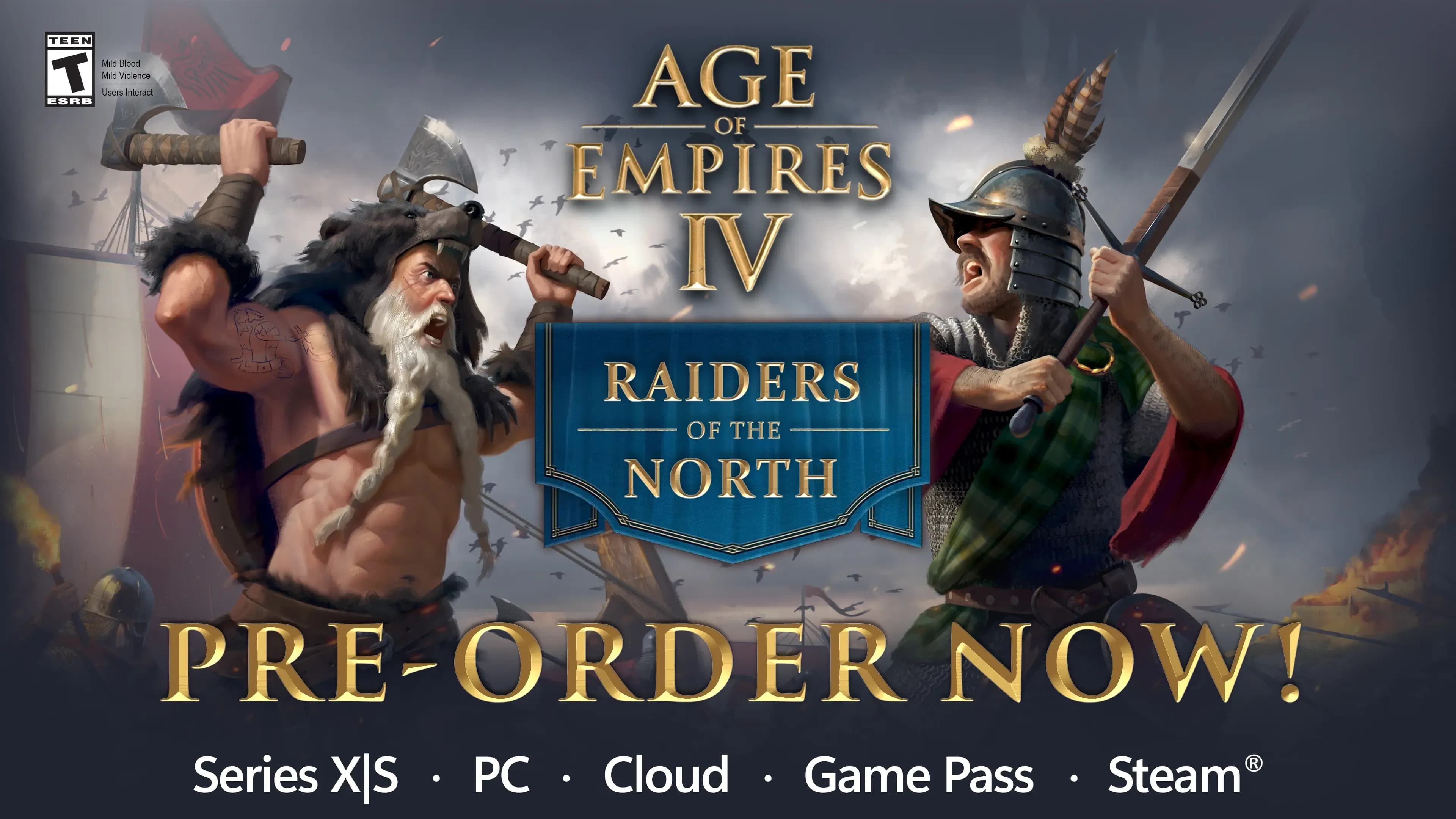
If you're looking for a Turkish patch for Age of Empires 4, good news: you don't need one at all. The game officially supports Turkish, with Turkish menus and subtitles. Turkish is in the language list on the Steam store page, and you don't have to download any outside files for it. That's also why we recommend not trusting the files floating around the internet as an "AoE 4 Turkish patch".
The one thing missing is voice acting. There's no full Turkish audio, so characters keep speaking English or whichever other language you pick, and you read the Turkish subtitles at the bottom.
Switching the language to Turkish on Steam
If you have the game on Steam, you change the language through Steam, not from inside the game:
- Open your Library in Steam and right-click Age of Empires IV.
- Go to Properties.
- On the General tab, choose Turkish from the Language menu.
- Steam will download a small update. Once it's done, launch the game and the menus will be in Turkish.
If the language hasn't changed, make sure the update has finished, then close the game completely, restart Steam and try again.
Other Age of Empires games
The same official support exists in the newer releases of the series. According to Steam's language lists, these games come with a Turkish interface and subtitles out of the box, and the steps above are the same for all of them:
- Age of Empires II: Definitive Edition
- Age of Empires III: Definitive Edition
- Age of Mythology: Retold
Older versions are a different story. Turkish isn't in the Steam language list for Age of Empires: Definitive Edition, Age of Empires II HD or Age of Mythology: Extended Edition. The patch files we made for them still work: see the Age of Empires 2 HD Turkish patch, the Age of Mythology Turkish patch and, for the rest, our Turkish language and patch files page.
If you're not sure which version you're playing, open the game's Properties > General > Language menu in Steam. If Turkish is on the list, you don't need a patch.
Comments
No comments yet. Be the first to write one.